tomd
A thin, native desktop GUI for Microsoft MarkItDown. Drop files or entire folders onto the window to convert PDFs, Word docs, spreadsheets, slides, and images into clean Markdown. Run conversions locally, manage setup environments automatically, and access your queue seamlessly through a menu-bar tray or a smart corner drop zone.
Project Overview
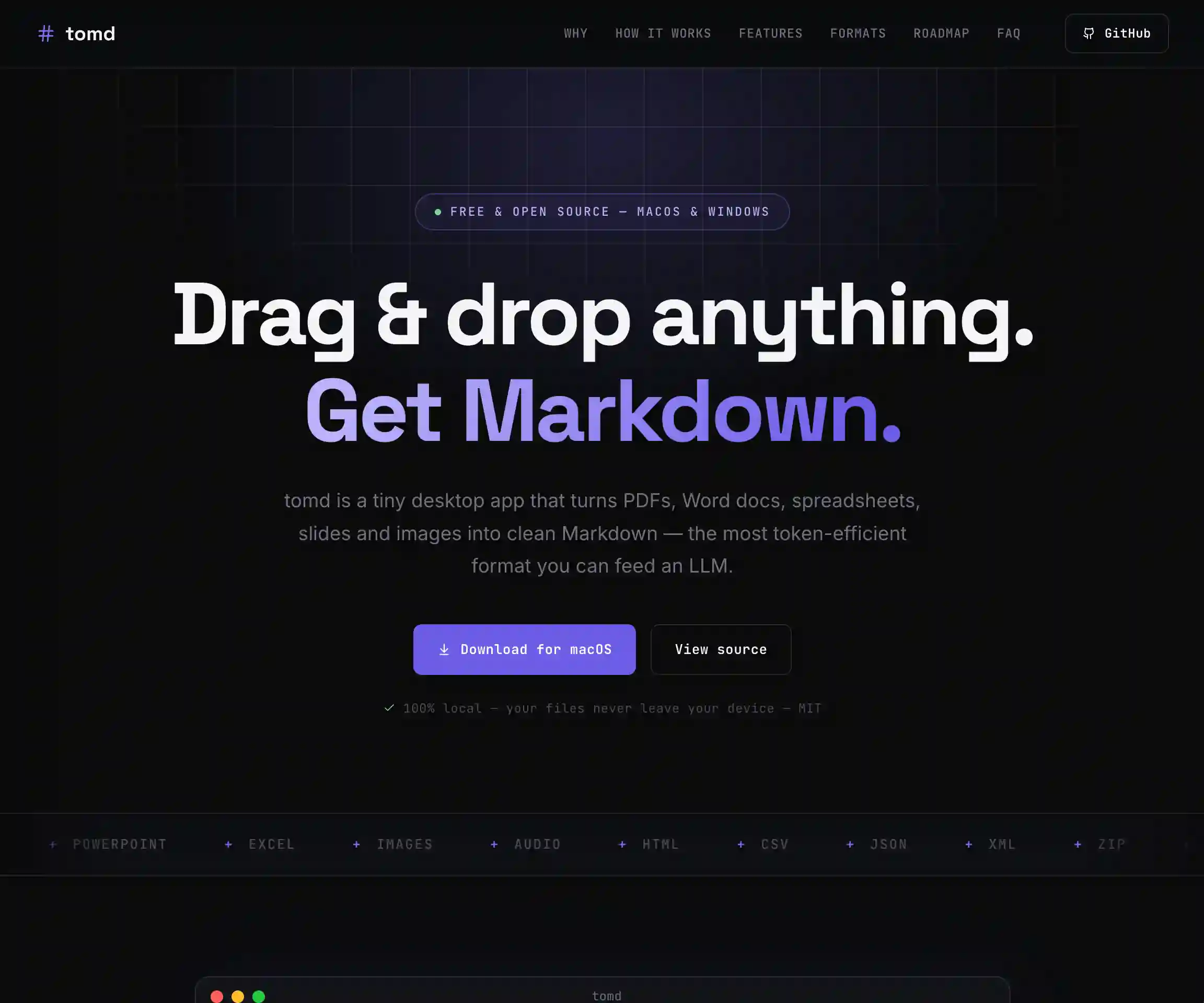
tomd is a lightweight desktop GUI application that acts as a wrapper for Microsoft's MarkItDown CLI. It enables users to drag and drop files or entire folders to automatically batch-convert them into clean Markdown. It avoids local or cloud service dependencies — the app runs 100% on the user's device, ensuring that sensitive documents never leave the local machine.
The GUI handles the conversion pipeline: managing an asynchronous queue, rendering row states (queued, converting, finished, error), providing quick actions like clipboard copy and Finder/Explorer integration, and automatically validating the local environment on launch. For power users, the app runs in the background as a menu-bar tray application and offers a corner drop zone that stays hidden until you drag files toward it.
Key Features
- Drag & drop queue: Recursively parses folders and accepts files, scheduling them in a sequential background worker queue.
- Smart drop zone: An always-on-top frameless mini-window that reveals itself dynamically when dragging files to a specific screen corner.
- Menu bar tray operation: Keeps running in the menu bar/system tray when the main window is closed, with Dock icon hiding.
- Interactive UI widgets: Per-row checkboxes, multi-select, clear queue, stop execution, drag output chips, and toast alerts.
- Local setup automation: Installs a private virtualenv for `markitdown[all]` using `uv` on first launch to avoid polluting system Python.
Tech Stack
- Python 3.10+ & PySide6 — Used for building the cross-platform GUI and managing asynchronous workers.
- Microsoft MarkItDown — Microsoft AutoGen team's open-source file-to-markdown library.
- uv — Fast Python package installer used to build and manage the app's isolated virtualenv.
- PyObjC — macOS-specific system bindings to control Dock visibility and handle desktop space changes.
- PyInstaller & dmgbuild — Bundles Python script source into unsigned standalone `.dmg` and `.exe` binaries.
The Problem
Microsoft's MarkItDown is an incredibly useful utility for turning disparate file formats (PDFs, Excel sheets, images, Word docs) into LLM-friendly Markdown text. However, as a command-line interface tool, it requires users to live in the terminal and write custom shell scripts whenever they need to batch-convert complex folder structures.
Existing document conversion options typically face one of three issues:
- Cloud dependency: Uploading proprietary or sensitive documents to third-party web services exposes user data.
- Bloated Electron runtimes: Desktop utilities wrapped in Node.js runtime layers consume hundreds of megabytes of memory for trivial tasks.
- Fragile local environment setup: Installing Python libraries globally often breaks system scripts due to dependency conflicts.
The goal was to build a native, lightweight, local-first utility that hides Python environment setup entirely and exposes an elegant, distraction-free desktop interface.
Isolated Environment Setup
To eliminate setup friction, tomd handles its own dependencies. On launch, it checks the system for Python 3.10+ anduv. If missing or if `markitdown` is unavailable, it spins up a dedicated virtualenv at `~/Library/Application Support/tomd/venv` (on macOS) and runs:
# Installs markitdown into a private venv using uv
uv venv ~/Library/Application Support/tomd/venv
uv pip install markitdown[all] --python ~/Library/Application Support/tomd/venv/bin/python
This ensures that the user's global Python packages are never touched, and the app runs in isolation.
Smart Corner Drop Zone
A core feature of the app is its custom drop zone overlay. Pinned to a corner of the screen, the drop zone remains completely hidden until a file is dragged near that quadrant. Once activated, a translucent frame slides in to receive the files, queues them in the background, and dismisses itself, allowing the user to copy or drag the completed files out directly.
Tray Utility and Dock Overrides
Using `pyobjc` bindings on macOS, the app is built to stay out of the way. It registers a system menu-bar icon which hosts the global application controls: drop zone toggle, auto-convert triggers, and settings. Setting the Dock icon to hide dynamically keeps the user's workflow clean.
Outcomes
- 100% Local Processing: Secured corporate documents are converted locally on-device, preventing cloud exposure.
- Zero-Config UX: The setup wizard eliminates command-line virtual environment configurations for non-developer roles.
- Multithreaded Queue: A custom Qt `QThread` pool schedules sequential conversions, keeping the GUI rendering at a fluid 60fps even under heavy batch folder conversions.
- Native Clipboard integration: Row elements feature quick clipboard-copy chips and native filesystem drag-and-drop targets.
Key Learnings
- Desktop OS APIs are highly distinct: Handling mouse tracking coordinates for corner drop zones and controlling window state behaviors on virtual spaces requires native bindings. Leveraging PyObjC on macOS and win32 APIs on Windows is critical.
- Process piping needs buffers: Piping long logs from subprocess CLI calls in real-time requires asynchronous non-blocking stream readers to prevent thread locks.
- Middle-elision improves grid layouts: Eliding middle characters of long file paths instead of suffixes keeps file extensions visible, dramatically improving scanability in narrow queue rows.